F&B point of sale
Service reaches the kitchen and the folio.
Quick answer
A restaurant, bar, room-service and banquet POS — 4 outlet types — posting to 1 guest folio and 1 ledger. Floor plans, kitchen tickets, split bills and charge-to-room keep service and finance on the same record.
A restaurant bill is not a separate event from the guest stay. Orders, table turns, kitchen tickets and room charges live in the same system as the reservation, so the guest gets one bill and finance gets one ledger.
Updated
- Floor plans, table states and covers
- Kitchen printing and course timing
- Charge-to-room with credit checks
- Banquet events and package charging
The outlet gap
Where restaurant revenue gets lost.
The gap is rarely the cooking. It is the handoff between the table, the kitchen, the room and the month-end report.
01
Charges that arrive late
A room charge is written on paper and keyed at the desk after service. By then the guest may have checked out, or the credit limit may have been missed.
02
Bills split by hand
A table of eight wants six bills. The cashier rebuilds the order on a calculator while the kitchen loses track of what was served.
03
No view of outlet performance
Covers, average check and item mix live in a separate report that finance reconciles manually against the PMS.
Capability map
From the host stand to the banquet ledger.
Designed for hotels where the outlet is part of the guest experience, not a standalone restaurant with its own island of data.
Service floor
The team sees the room the way guests do: tables, turns, servers and covers.
- Floor plans by area, table type and service period
- Table states, reservations and walk-ins
- Server assignment and covers per shift
- Split, merge and transfer tables
Kitchen and production
Tickets reach the right station at the right time, with the modifications the guest actually asked for.
- Kitchen printing by station and course
- Item modifiers, allergies and notes
- Course timing and hold-and-fire
- Stock depletion linked to recipes
Billing and guest folios
The bill can settle at the table, at the desk, or against a company account.
- Split bills and partial payments
- Charge-to-room with credit-limit checks
- Company and event folios
- Electronic vouchers and discounts
Banquets and events
A wedding is a project, not a large table. The system treats it that way.
- Event orders, packages and per-person pricing
- BEO charges posted to the master folio
- Banquet revenue and cost reporting
- Coordination with rooms and AV requirements
Outlet reporting
The numbers the F&B manager and the controller can both use.
- Covers, average check and revenue by period
- Item mix, category and margin reports
- Discount, void and complimentary analysis
- Reconciliation to the PMS revenue journal
Capability
| Core modules | Capability |
|---|---|
| Service floor | Floor plans by area, table type and service period |
| Service floor | Table states, reservations and walk-ins |
| Service floor | Server assignment and covers per shift |
| Service floor | Split, merge and transfer tables |
| Kitchen and production | Kitchen printing by station and course |
| Kitchen and production | Item modifiers, allergies and notes |
| Kitchen and production | Course timing and hold-and-fire |
| Kitchen and production | Stock depletion linked to recipes |
| Billing and guest folios | Split bills and partial payments |
| Billing and guest folios | Charge-to-room with credit-limit checks |
| Billing and guest folios | Company and event folios |
| Billing and guest folios | Electronic vouchers and discounts |
| Banquets and events | Event orders, packages and per-person pricing |
| Banquets and events | BEO charges posted to the master folio |
| Banquets and events | Banquet revenue and cost reporting |
| Banquets and events | Coordination with rooms and AV requirements |
| Outlet reporting | Covers, average check and revenue by period |
| Outlet reporting | Item mix, category and margin reports |
| Outlet reporting | Discount, void and complimentary analysis |
| Outlet reporting | Reconciliation to the PMS revenue journal |
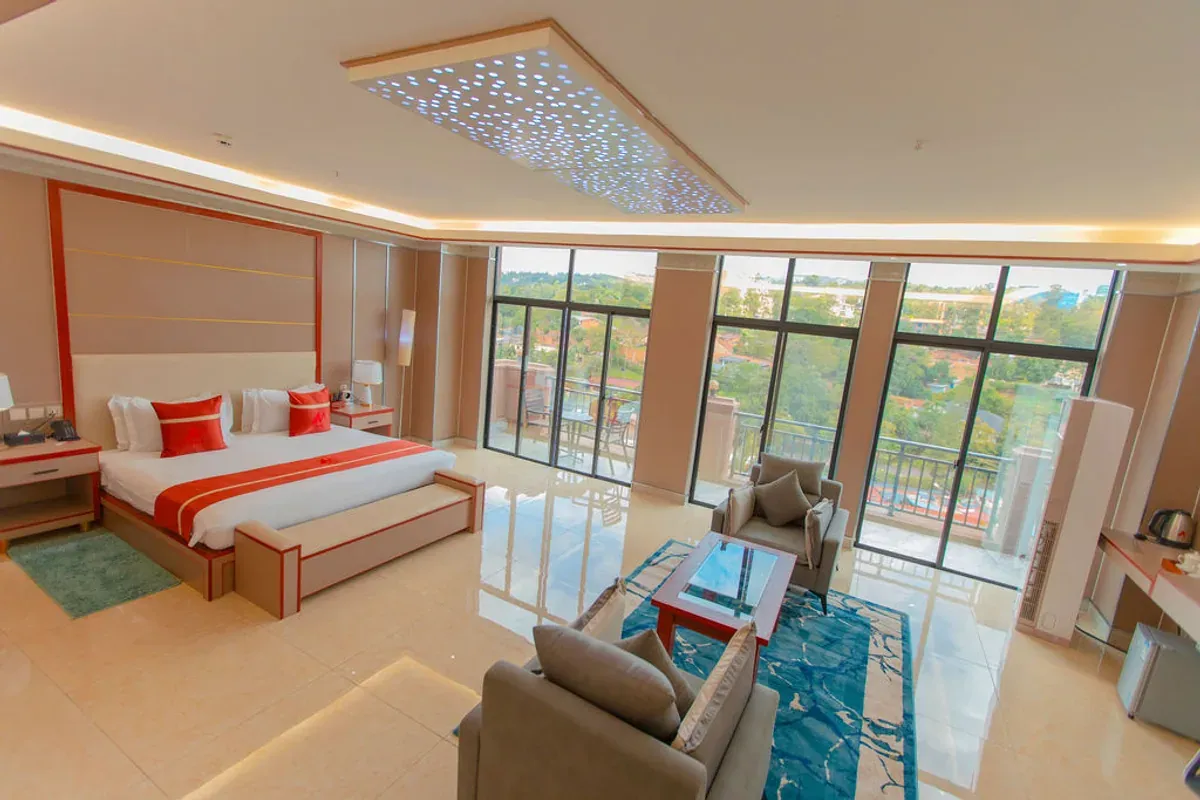
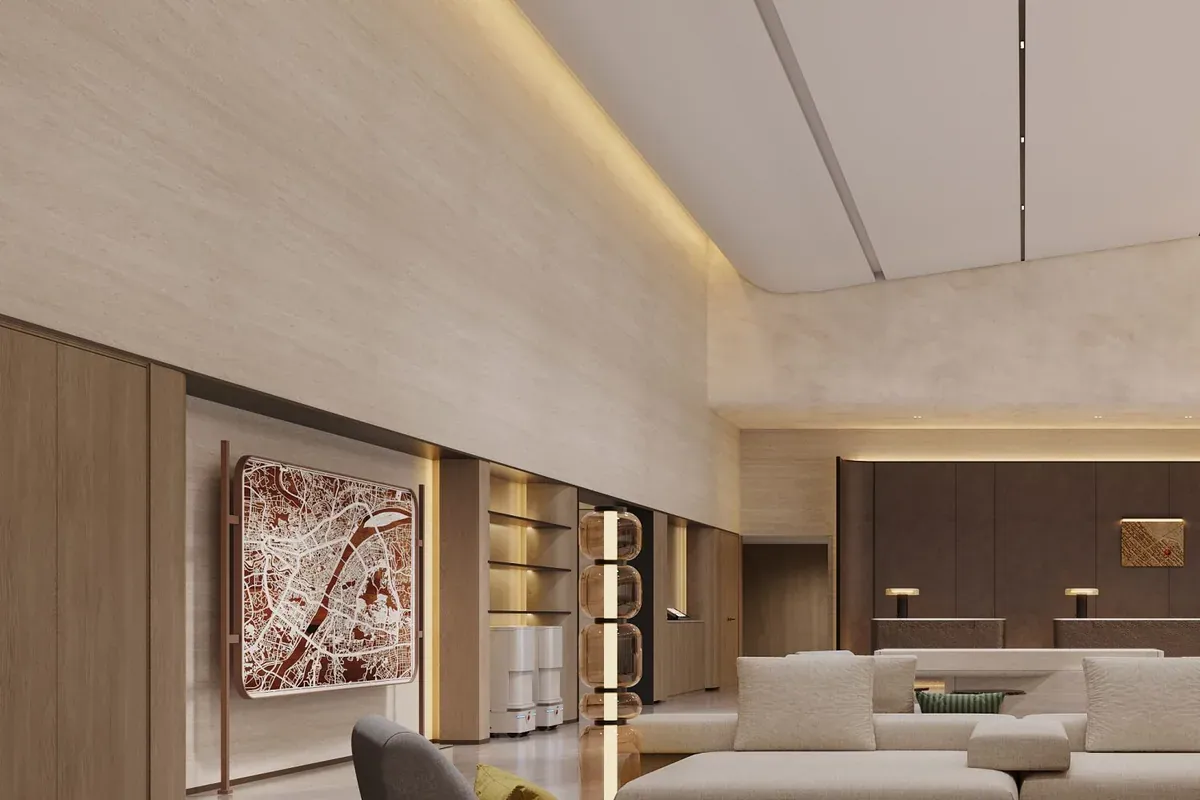
In the property
A closer look.
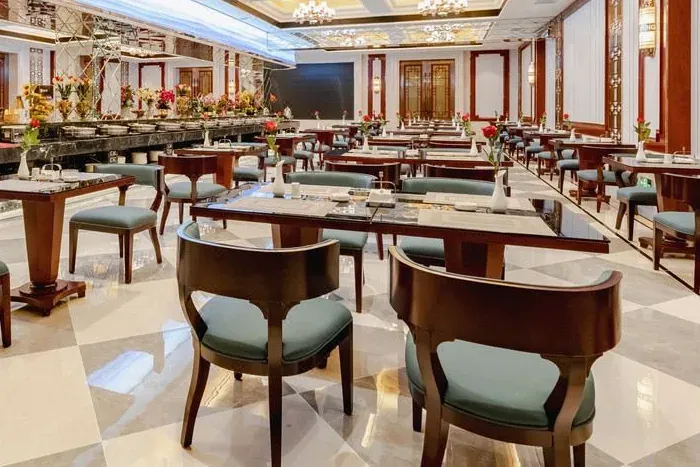
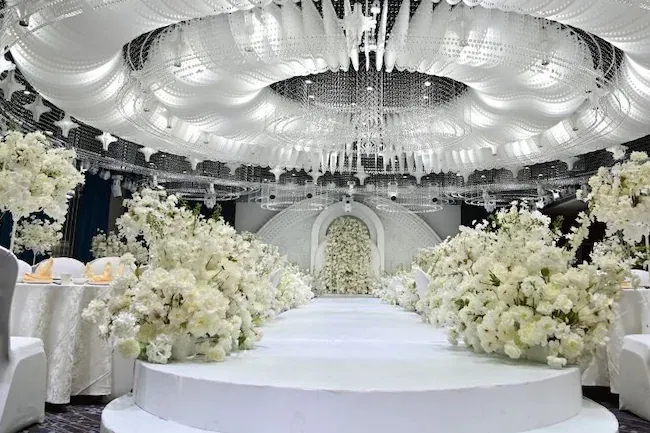
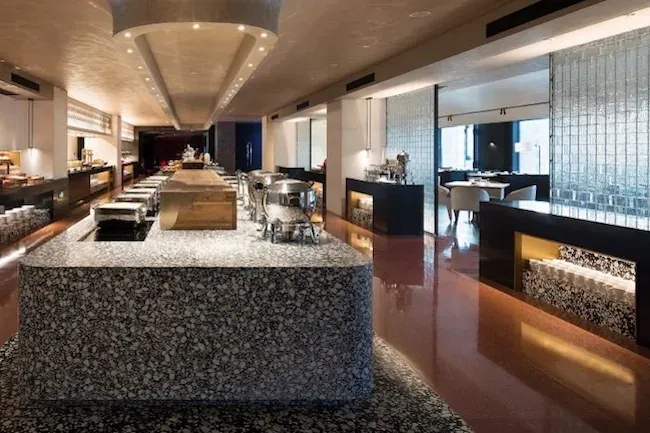
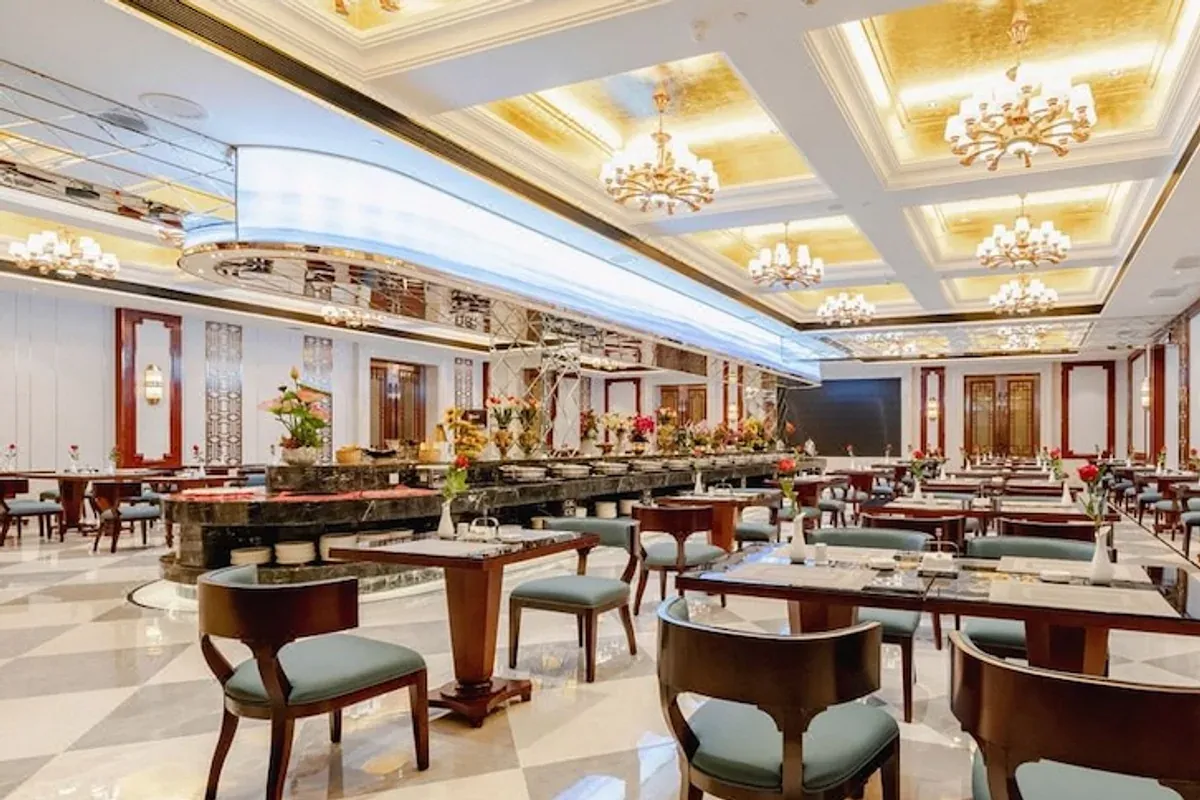
From the product
Actual interface screens.
Interface screens from a live deployment. The product supports bilingual reports and documents.
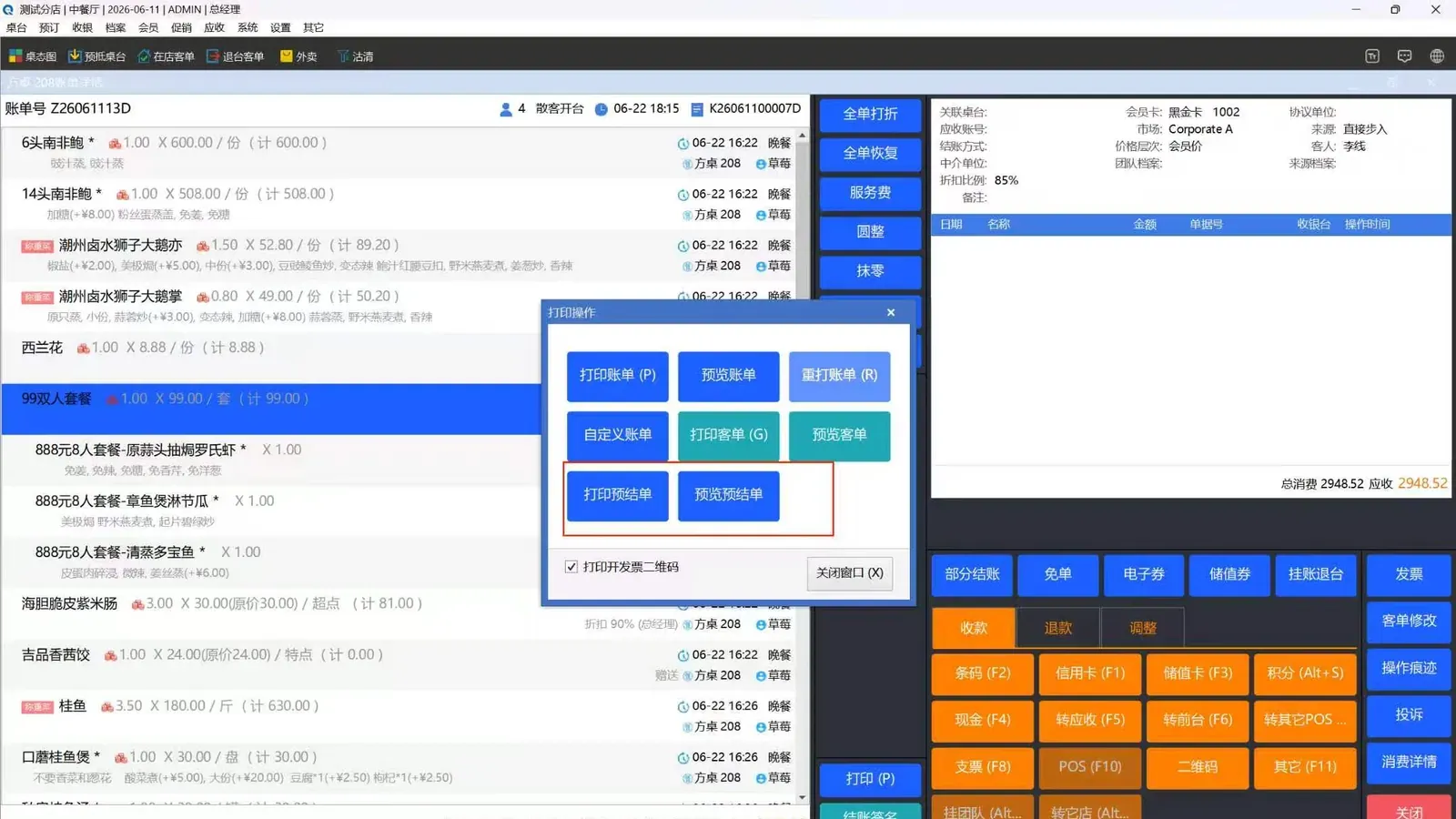
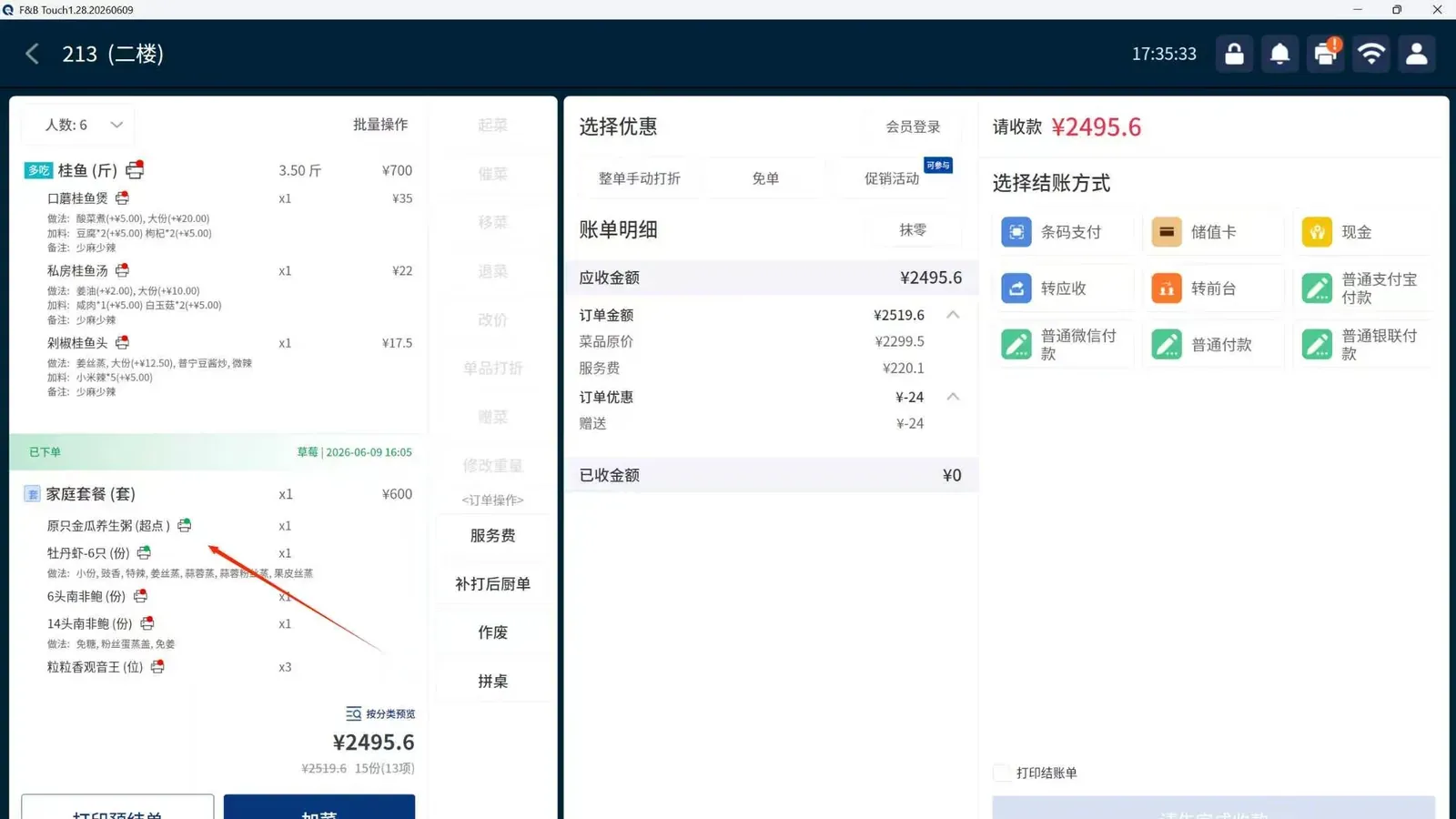
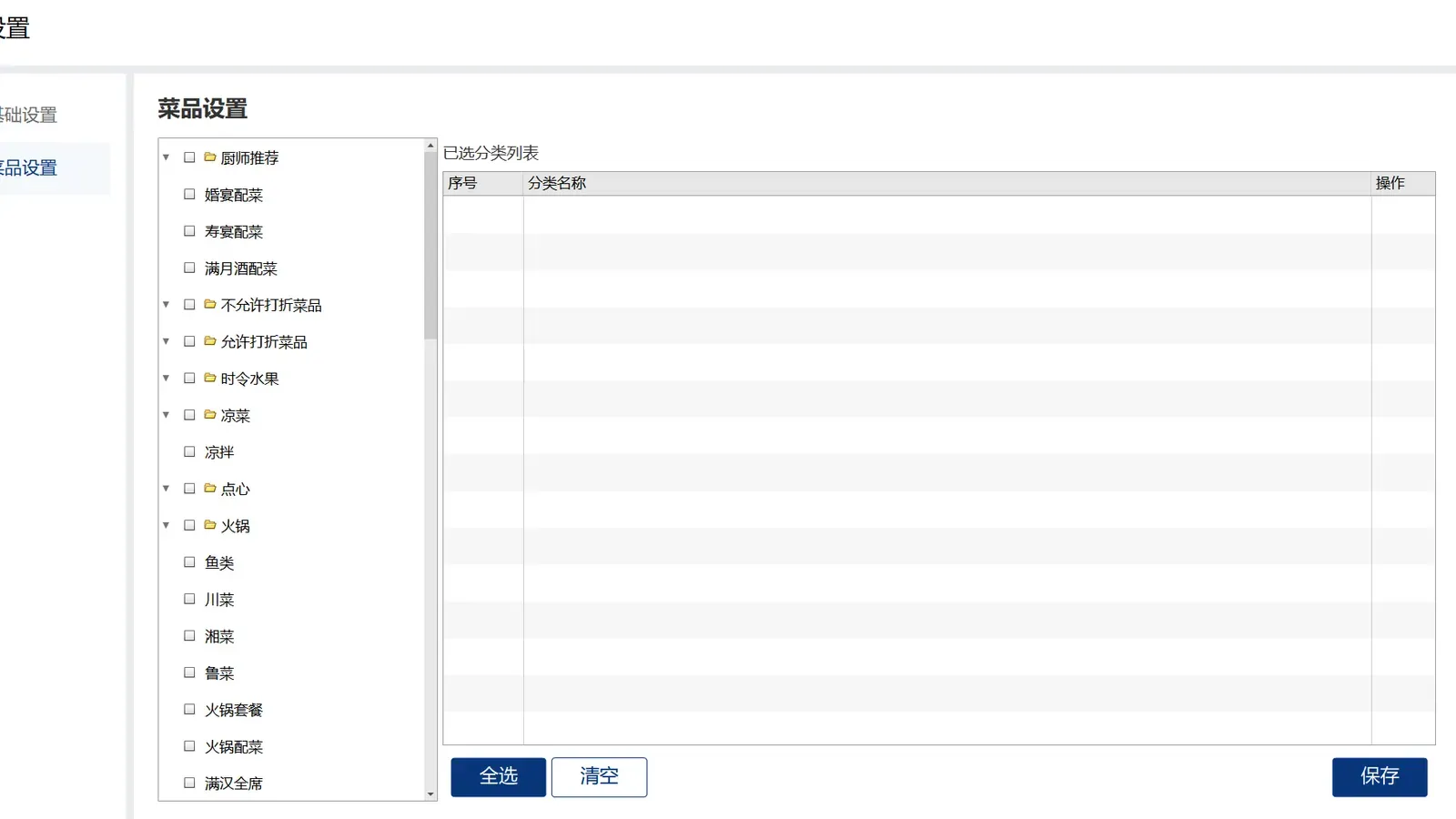
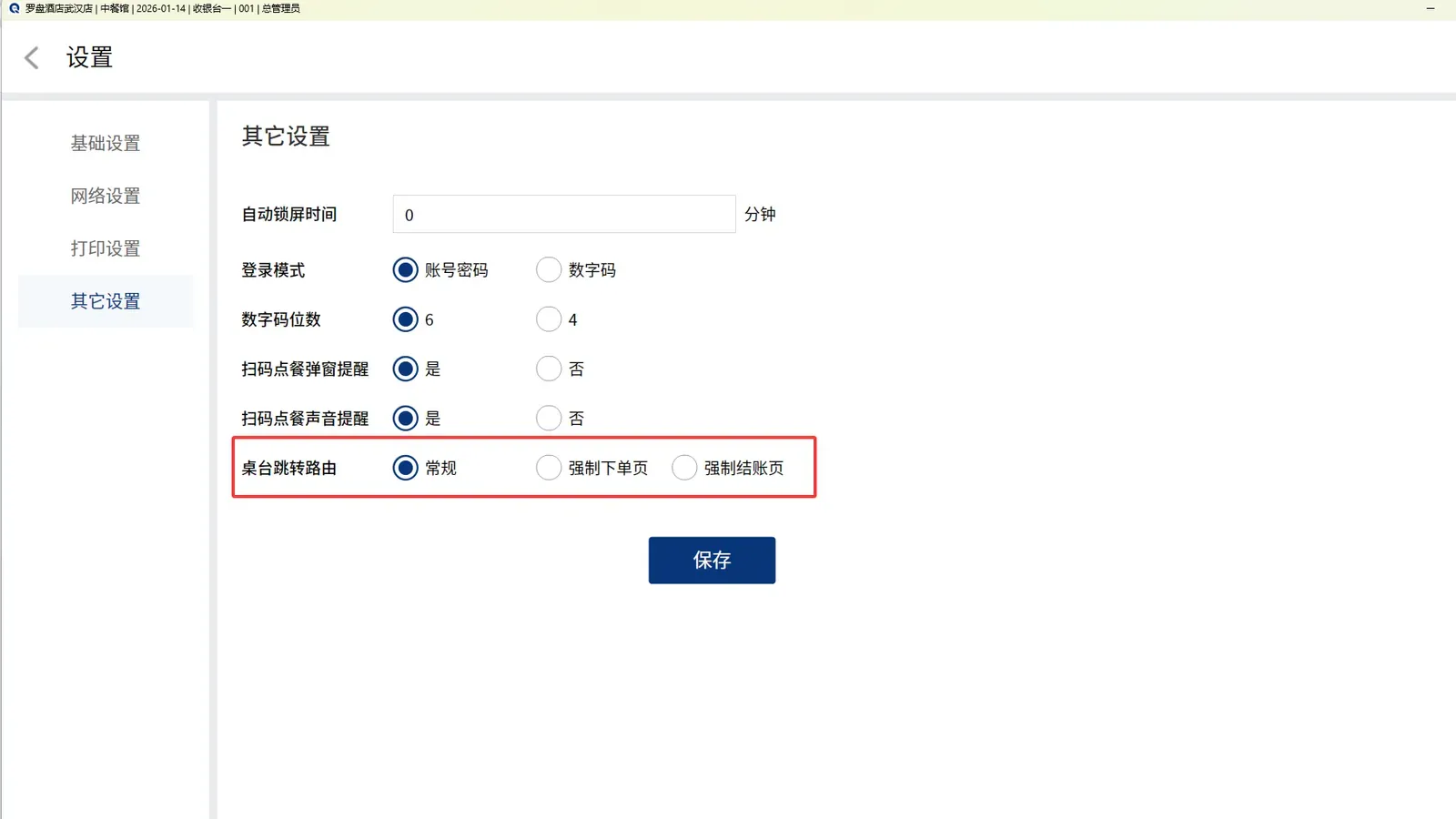
A service, end to end
One table, one thread.
How a dinner service moves through the system without a paper bridge.
18:05
The table is seated
The host assigns a table on the floor plan; the server sees the guest’s profile and any allergy note already on file.
18:20
The order is fired
Items are sent by course. The kitchen printer routes each station; the pass sees the timing.
19:10
The bill is requested
The guest wants to charge to the room. The system checks the folio’s credit limit and posts the charge immediately.
19:15
The desk sees it
Front office can see the outlet charge on the folio before the guest returns to the room.
23:00
The day is reconciled
Outlet totals, discounts and voids are reviewed against the PMS revenue journal.
Where it fits
An outlet that belongs to the hotel.
The POS is designed around hotel realities: guests who charge to rooms, events that span departments, and finance that needs one revenue journal.
The guest, not the table
The check is attached to a guest profile, not just a table number. Allergies, preferences and membership tier follow the guest into the outlet.
The event, not the order
Banquet packages, per-person charges and BEO add-ons post to a master folio, with the event as the unit of reporting.
The journal, not the Z-report
Outlet revenue reconciles to the same ledger as rooms, so the controller does not maintain a second version of the day.
Integrations
Works with the kitchen and the back office.
Printers, kitchen displays, payment terminals and inventory all connect through the same interface layer as the PMS.
Integrations- Kitchen printers and expo displays
- Card terminals and mobile payments
- Recipe and inventory depletion
- Room, company and event folios
- Menu and price management
- Outlet revenue and cost reporting
Frequently asked questions
Frequently asked questions
Does the POS work for more than one outlet?
Can guests charge to a room from the restaurant?
How are banquet events handled?
Do we need to replace our kitchen printers?
Can menus and prices be changed centrally?
Related reading
 01 · Core platform
Property Management
A PMS built around the work that happens between systems: the guest who arrives twice, the charge that posts late, the room that is ready but still shows dirty. One database, one folio, one version of the day.
04 · Back office Procurement & Inventory
Rooms revenue gets the attention; procurement decides the margin. Requisitions, purchase orders, receiving, issues and stocktakes are connected to department budgets and to the kitchen’s recipes, so cost is visible while it is still controllable.
 03 · Guest intelligence
Guest & Membership
A guest is not a room booking. They are a history of stays, meals, preferences and exceptions. This module keeps that history in one place and makes it visible at the desk, in the outlet and in the sales office.
Next step
See the platform on your own workflows.
A 30-minute walkthrough, built around your property type and the systems you already run. No slide deck — we work through arrivals, folios, night audit and reporting live.
Typical reply within one business day.